
API Testing Fundamentals
Master the essential components and testing strategies that ensure your APIs deliver reliable, secure, and performant experiences.
In today's interconnected digital landscape, APIs serve as the invisible bridges connecting different software systems. Whether you're checking the weather on your phone, making an online purchase, or streaming your favorite show, APIs work tirelessly behind the scenes to make these experiences possible. As these interfaces become increasingly critical to business operations, ensuring their reliability through comprehensive testing has never been more important. This guide takes you beyond basic concepts to explore the practical aspects of API testing. We'll examine real-world scenarios, walk through concrete examples, and provide actionable insights that you can apply immediately to your testing workflow. By understanding not just the 'what' but the 'how' of API testing, you'll be equipped to build robust test strategies that catch defects early and ensure your APIs deliver consistent, reliable performance. Let's embark on this journey to master the art and science of API validation! 🚀
Understanding the Building Blocks: What Makes Up an API?
Before diving into testing strategies, you need to understand what you're actually testing. Think of an API as a restaurant: customers (clients) place orders (requests), the kitchen (server) prepares the meal (processes the request), and waiters (the API) deliver the food (response) back to the table. Each part of this system has specific components that must work correctly for the entire experience to succeed.
The Entry Point: Where Requests Begin
Every API interaction starts with a specific web address where clients send their requests. This complete address combines a base location (like https://bookstore.api.com) with a specific path (like /books) to create the full destination: https://bookstore.api.com/books. Consider these real-world examples:
- •https://weather.service.com/current - fetches today's weather conditions
- •https://shop.api.com/products - retrieves product listings
- •https://social.platform.com/posts - accesses social media posts
The path portion—/books, /current, /products—acts like room numbers in a hotel, directing your request to the exact location where the desired resource lives. When testing, you'll verify that each path correctly routes to its intended destination and returns appropriate data.
HTTP Methods
APIs use specific action words to indicate what operation you want to perform. These methods form a standardized vocabulary that servers understand universally:
- •Retrieval Operations (GET): Imagine browsing a library catalog without taking any books off the shelf. A GET request fetches information without modifying anything on the server. For example, GET https://library.api.com/books/12345 retrieves details about book number 12345.
- •Creation Operations (POST): When you submit a new book review or create an account, you're using POST. This verb sends new data to the server to create fresh resources. Example: POST https://library.api.com/reviews with review details creates a new review entry.
- •Complete Updates (PUT): Replacing an entire library card record with updated information uses PUT. This operation replaces the full resource. For instance, PUT https://library.api.com/members/789 with complete member information updates all details for member 789.
- •Partial Modifications (PATCH): When you only need to update your email address without changing other profile information, PATCH proves more efficient. Example: PATCH https://library.api.com/members/789 with just email field updates only that specific field.
- •Removal Operations (DELETE): Closing an account or removing a review uses DELETE. Example: DELETE https://library.api.com/reviews/456 permanently removes review 456.
- •Metadata Queries (HEAD): Sometimes you need to know if a resource exists without downloading its entire content. HEAD returns just the headers, perfect for checking file sizes or last modification dates.
- •Capability Discovery (OPTIONS): Before interacting with an unfamiliar API, OPTIONS reveals which HTTP methods that resource supports, acting like a menu of available operations.
When testing, verify that each verb produces its intended effect and that using the wrong verb (like DELETE when you meant GET) triggers appropriate error handling.
Understanding Headers
Headers function like envelope markings on postal mail—they provide crucial context about what's inside and how to handle it. Every API request and response includes headers as key-value pairs carrying metadata.
Request headers you'll encounter include authentication credentials (Authorization: Bearer eyJhbGciOiJIUzI1NiIs...), content format specifications (Content-Type: application/json), format preferences (Accept: application/xml), and user identification (User-Agent: MyMobileApp/1.2.0). Response headers you'll validate include format confirmations (Content-Type: application/json), size specifications (Content-Length: 2048), cache instructions (Cache-Control: max-age=3600), session management (Set-Cookie: sessionToken=xyz789; Secure; HttpOnly), and redirect locations (Location: https://library.api.com/books/12346). Testing headers involves verifying that authentication requirements are enforced, content types match expectations, caching behaves correctly, and security headers prevent common vulnerabilities.
The Payload: Data in Transit
When creating or updating resources, you include a request body containing the actual data. For a POST request creating a new book entry, the request body might contain title, author, ISBN, publication year, and price information. The server processes this information and typically responds with confirmation that includes any server-generated details like unique identifiers, creation timestamps, and last updated times. Testing verifies that request bodies are validated properly (rejecting malformed data), required fields are enforced, optional fields are handled correctly, and responses contain expected data structures with all necessary fields.
HTTP Status Codes
Every API response includes a three-digit status code that instantly communicates the outcome. These codes follow patterns that make interpretation straightforward:
- •Informational Requests (1xx): These rare codes indicate ongoing processes. 100 Continue tells clients to proceed with sending request bodies after headers pass initial validation. 101 Switching Protocols confirms protocol upgrades like WebSocket connections.
- •Successful Requests (2xx): Green light codes signal everything worked. 200 OK means the request succeeded and data is attached. 201 Created confirms a new resource was created (common after POST requests). 204 No Content indicates success but no data to return (typical after DELETE operations). 206 Partial Content delivers requested byte ranges for large files.
- •Redirects (3xx): These codes indicate additional steps are needed. 301 Moved Permanently means update your bookmarks—the resource has a new permanent home. 302 Found suggests a temporary relocation. 304 Not Modified lets clients use cached versions since nothing changed. 307 Temporary Redirect maintains the request method during redirection.
- •Client Errors (4xx): These codes point to problems with the request. 400 Bad Request means malformed syntax or invalid parameters. 401 Unauthorized demands authentication credentials. 403 Forbidden means valid credentials lack necessary permissions. 404 Not Found indicates the resource doesn't exist. 409 Conflict suggests the request conflicts with current state. 429 Too Many Requests enforces rate limiting.
- •Server Errors (5xx): These codes admit server-side failures. 500 Internal Server Error is the generic something-went-wrong response. 502 Bad Gateway indicates upstream server communication failed. 503 Service Unavailable means temporary unavailability due to maintenance or overload. 504 Gateway Timeout shows upstream servers didn't respond in time.
Practical Testing Examples
Let's walk through complete testing scenarios that demonstrate how these components work together.
Example 1: Retrieving Filtered Resources
The Request: GET https://library.api.com/books/12345?fields=title,author,price Authorization: Bearer abc123def456 Accept: application/json What's Happening: The base address points to library.api.com, the resource path is /books/12345, path parameter 12345 identifies a specific book, query parameter fields=title,author,price requests only selected fields, and the Bearer token validates the request. Expected Successful Response: HTTP/1.1 200 OK Content-Type: application/json Cache-Control: max-age=300 Response body contains only the requested title, author, and price fields. Test Validations:
- •Status code equals 200
- •Response contains only requested fields
- •Data types match specifications (price is numeric)
- •Response arrives within acceptable time limits
- •Cache headers allow appropriate caching
Error Scenarios to Test:
- •Invalid book ID should return 404
- •Missing authentication should return 401
- •Invalid field names should be ignored or trigger 400
- •Expired token should return 401
Example 2: Creating New Resources
The Request: POST https://library.api.com/reviews Content-Type: application/json Authorization: Bearer abc123def456 Request body contains book ID, rating, comment, and reviewer name. What's Happening: HTTP method POST creates a new resource at /reviews path. Content-Type specifies JSON format. Request body contains all review details. Authentication validates user permissions. Expected Successful Response: HTTP/1.1 201 Created Content-Type: application/json Location: https://library.api.com/reviews/789 Response body includes system-generated ID, creation timestamp, and all submitted fields. Test Validations:
- •Status code equals 201 (not 200)
- •Location header points to new resource
- •Response includes system-generated ID
- •Timestamp reflects creation time
- •All submitted fields appear in response
Error Scenarios to Test:
- •Missing required fields should return 400
- •Invalid bookId should return 404 or 400
- •Rating outside valid range should return 400
- •Duplicate submission should return 409
- •Insufficient permissions should return 403
Example 3: Partial Resource Updates
The Request: PATCH https://library.api.com/books/12345 Content-Type: application/json Authorization: Bearer abc123def456 Request body contains only the price field to update. What's Happening: HTTP method PATCH enables partial updates. Path parameter 12345 identifies the target book. Request body contains only the field needing modification. Other fields remain unchanged. Expected Successful Response: HTTP/1.1 200 OK Content-Type: application/json Response body shows the updated price while other fields remain intact, with an updated timestamp reflecting the modification. Test Validations:
- •Status code equals 200
- •Only price changed from previous value
- •Other fields remained intact
- •lastUpdated timestamp reflects modification
Error Scenarios to Test:
- •Non-existent book ID should return 404
- •Invalid price format should return 400
- •Negative price should return 400
- •Unauthorized user should return 403
Example 4: Resource Deletion
The Request: DELETE https://library.api.com/reviews/789 Authorization: Bearer abc123def456 What's Happening: HTTP method DELETE removes a resource. Path parameter 789 identifies the review to delete. No request body is needed. Authentication validates permissions. Expected Successful Response: HTTP/1.1 204 No Content Test Validations:
- •Status code equals 204
- •Response has no body
- •Subsequent GET for same resource returns 404
- •Related resources remain unaffected
Error Scenarios to Test:
- •Non-existent review ID should return 404
- •Already deleted resource should return 404
- •Unauthorized deletion should return 403
- •Deleting other user's review should return 403
Related Articles
Understanding User Stories in Agile Development
Learn how user stories transform software requirements by focusing on user needs rather than technical specifications.
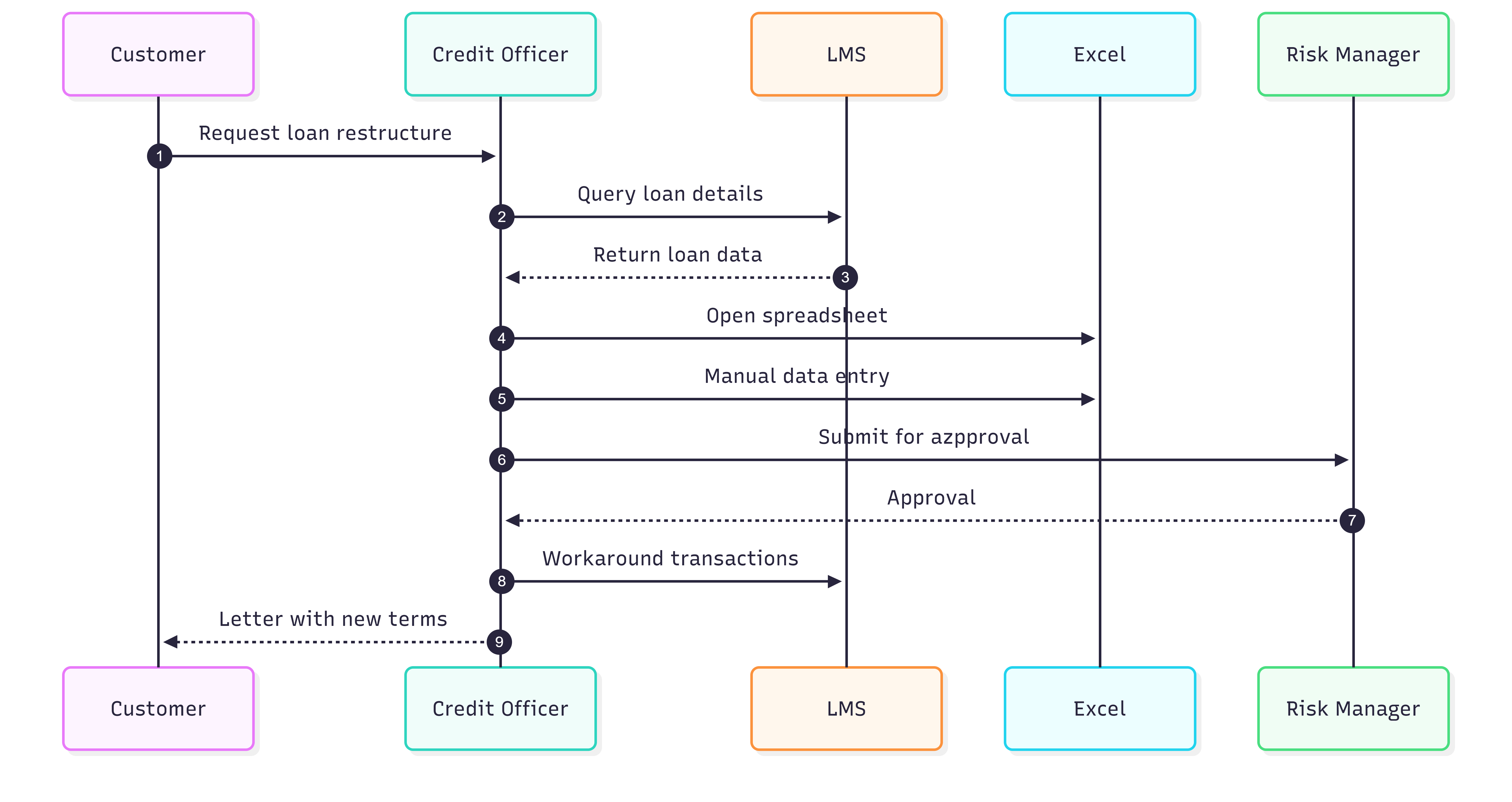
Sequence Diagrams Explained: A Complete Guide with Practical Examples
A comprehensive guide for developers, business analysts, and product managers to understand, create, and master sequence diagrams using Mermaid syntax.
Requirements Engineering Lifecycle
Master the essential stages of requirements engineering that transform stakeholder needs into successful software solutions.