An In-Depth Look at Relational Algebra Operations
Learn the essential steps, skills, and strategies to successfully transition into a Business Analyst role from any background.
Introduction to Relational Algebra
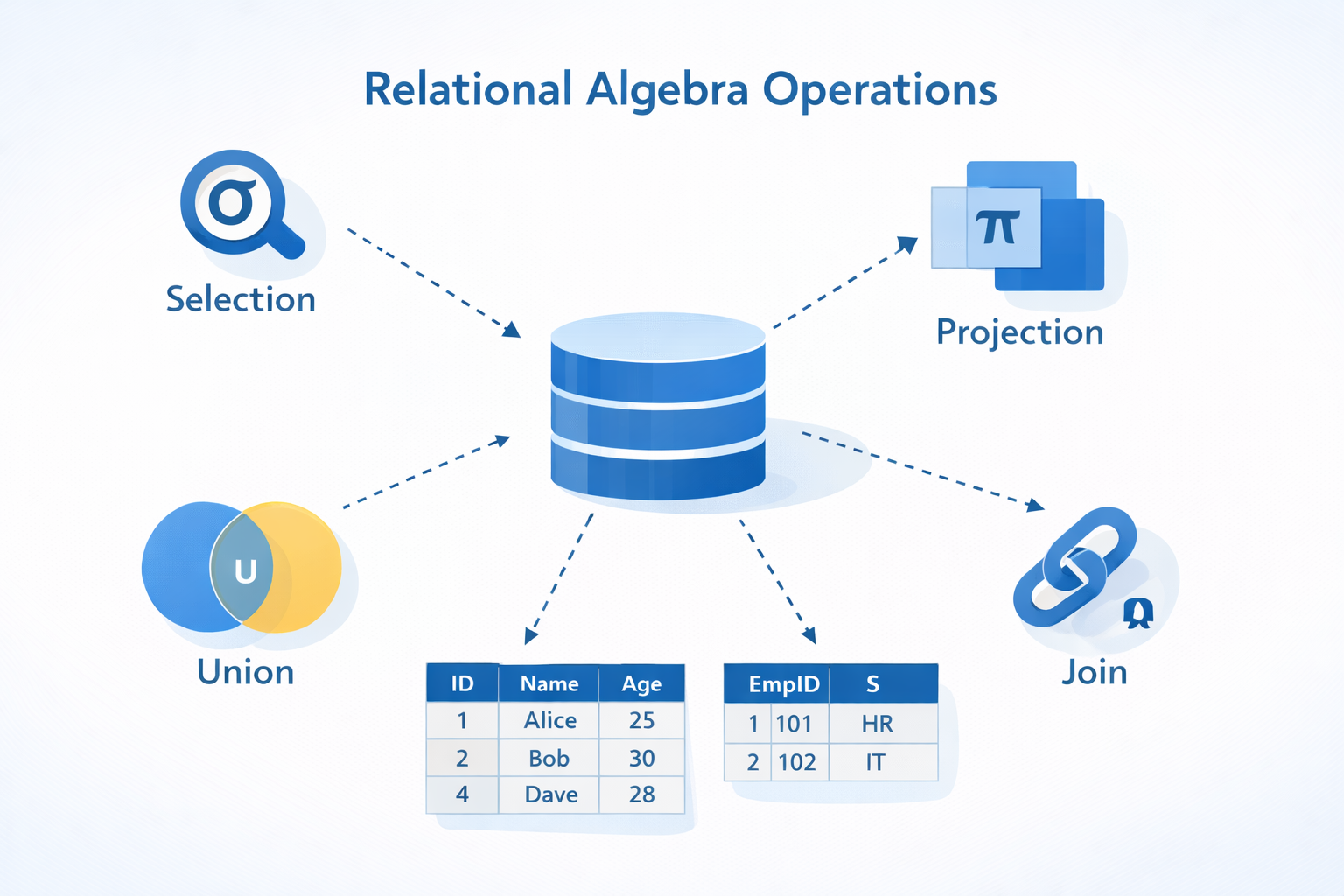
Relational algebra is a formal system that provides a theoretical foundation for manipulating data in relational databases. This algebraic framework is essential for understanding how database management systems (DBMS) process queries and manipulate data stored in tables. Relational algebra operations serve as the building blocks for Structured Query Language (SQL), the most widely used language for querying and managing relational databases. In this article, we will explore the various relational algebra operations, including select, project, union, set difference, Cartesian product, rename, and join operations.
The Importance of Relational Algebra in Database Management Systems
Relational algebra is vital in database management systems, as it outlines the operations that can be executed on data stored in relational databases. These operations allow users to efficiently query, update, and modify data while preserving data integrity and consistency. By offering a standardized set of operations, relational algebra ensures that database systems remain compatible and interoperable, facilitating smooth communication and data exchange between diverse applications and platforms.
Relational Algebra Operations
1. Select (σ)
The select operation filters tuples (rows) in a relation based on a specified condition, returning a new relation containing only the tuples meeting that condition. For example, consider a relation called Students with the attributes ID, Name, Age, and Course_ID.
If we want to retrieve all students who are 18 years old, we can use the following expression: σ(Age = 18)(Students) This operation returns a new relation containing only the tuples where the Age attribute is equal to 18.
2. Project (π)
The project operation retrieves specific attributes (columns) from a relation, creating a new relation with only the selected attributes. Using the Students relation, if we want to retrieve only the Name and Course_ID attributes, we can write: π(Name, Course_ID)(Students) The result is a relation containing only the Name and Course_ID attributes for all students.
3. Union (⋃)
The union operation combines two relations with the same set of attributes into a single relation, automatically removing duplicate tuples. Assume we have two relations, Students_A and Students_B, both sharing the same structure.
Students_A Relation
Students_B Relation
To create a relation containing all students from both relations, we apply: Students_A ⋃ Students_B
4. Set Difference (−)
The set difference operation returns tuples that exist in the first relation but not in the second. For example, to find students who are in Students_A but not in Students_B, we use: Students_A − Students_B
5. Cartesian Product (×)
The Cartesian product operation forms all possible combinations of tuples from two relations. The resulting relation includes the attributes of both input relations. Assume we have a Courses relation with attributes Course_ID and Course_Name.
If we want to find all possible combinations of students and courses, we apply: Students × Courses
6.Join Operations
Join operations combine two relations based on a specified condition. There are various types of join operations, including equi-join, natural join, left outer join, right outer join, and full outer join.Here, we will elaborate on only equi-join and natural join types using the ‘Students’ and ‘Courses’ table examples provided earlier.
Equi-join:
An equi-join combines two relations based on a specified condition involving equal values for common attributes. It is essentially a Cartesian product followed by a selection operation. Students ⨝ (Course_ID = Course_ID) Courses
Natural join:
A natural join combines two relations based on all common attributes. It automatically matches the tuples based on equal values for common attributes and removes duplicate attributes from the resulting relation. Students ⋈ Courses
Related Articles
Understanding UML Use Case Diagrams
Explore the components and best practices for creating effective UML use case diagrams to model system requirements.

API Testing Fundamentals
Master the essential components and testing strategies that ensure your APIs deliver reliable, secure, and performant experiences.